vidIQ is a comprehensive YouTube analytics and optimization platform trusted by over 20 million creators worldwide. It provides keyword research tools, video analytics, competitor tracking, and AI-powered content recommendations to help you grow your channel faster.
Whether you’re just starting your YouTube journey or looking to scale an established channel, vidIQ offers the data-driven insights you need to make smarter content decisions and maximize your reach.
Start Growing Your YouTube Channel Today
Join over 20 million creators using vidIQ to get more views, subscribers, and revenue. Start free—no credit card required.
What Is vidIQ and How Does It Work?
vidIQ is a YouTube-certified analytics and optimization tool designed to help content creators maximize their channel performance. The platform combines powerful data analytics with artificial intelligence to provide actionable insights about your videos and audience.
At its core, vidIQ functions as both a browser extension and a standalone application. The extension integrates directly into your YouTube studio, displaying real-time data about your videos, competitors, and trending content without leaving the platform.
The tool analyzes millions of data points across YouTube to identify opportunities for growth. It evaluates your video titles, tags, descriptions, and thumbnails, then provides specific recommendations to improve your search rankings and click-through rates.
Core Functionality of vidIQ
vidIQ operates through several interconnected systems that work together to optimize your YouTube presence. The platform monitors your channel performance every day, tracking metrics like views, watch time, subscriber growth, and engagement rates.
The keyword research tools scan YouTube’s search volume data to identify high-opportunity keywords in your niche. This helps you create content that people are actively searching for, increasing your chances of ranking higher in search results.
The AI-powered recommendation engine analyzes successful videos in your category and suggests topics, titles, and formats that have proven to perform well. This takes the guesswork out of content planning and helps you focus on ideas with the highest potential for success.
Essential vidIQ Features for YouTube Growth
vidIQ offers a comprehensive suite of tools designed to address every aspect of YouTube channel optimization. From keyword research to competitor analysis, these features provide the insights you need to make data-driven content decisions.
Keyword Research and SEO Tools
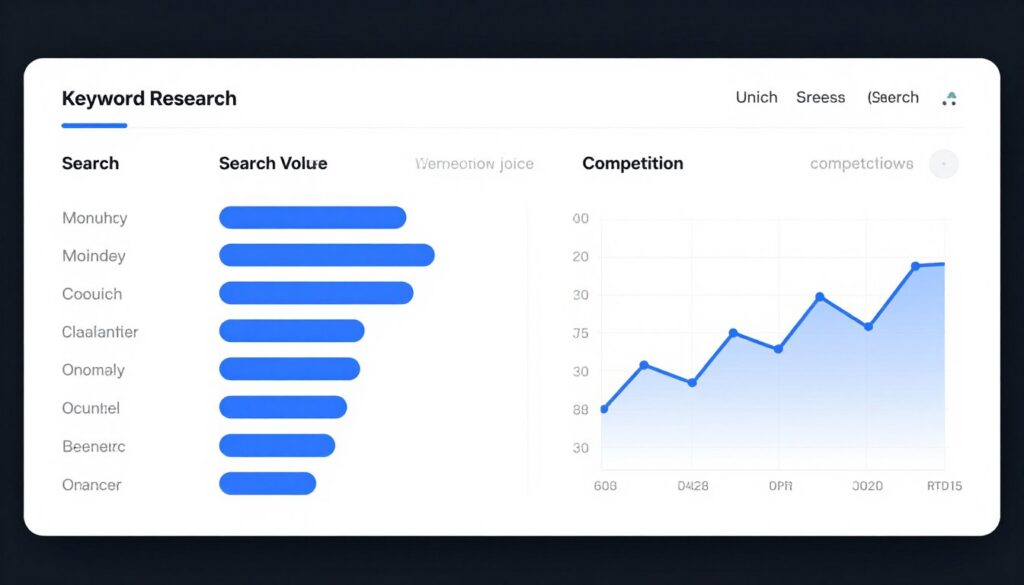
The keyword research tools form the foundation of vidIQ’s optimization capabilities. These tools help you discover what your target audience is searching for and how to position your content to capture that traffic.
The search volume data shows you exactly how many people search for specific keywords each month. You can filter by competition level, ensuring you target keywords where you have a realistic chance to rank higher in search results.
Related keywords suggestions expand your content possibilities by showing similar search terms and long-tail variations. This feature helps you optimize your video tags and descriptions for multiple related searches, increasing your discoverability.
- Real-time search volume data for YouTube keywords
- Competition analysis showing how difficult it is to rank
- Tag suggestions based on successful videos in your niche
- Trending keyword alerts for timely content opportunities
- Related search terms to maximize your SEO coverage
Video Analytics and Performance Tracking
Understanding your video performance is crucial for channel growth. vidIQ’s analytics go beyond basic YouTube Studio metrics to provide deeper insights into what’s working and what needs improvement.
The video scorecard evaluates each upload across multiple dimensions, including SEO optimization, engagement potential, and audience retention factors. This gives you a clear picture of your video’s strengths and areas for optimization.

Channel analytics track your overall performance over time, identifying trends in your subscriber growth, view patterns, and engagement rates. These insights help you understand which content types resonate most with your audience.
Competitor Tracking and Benchmarking
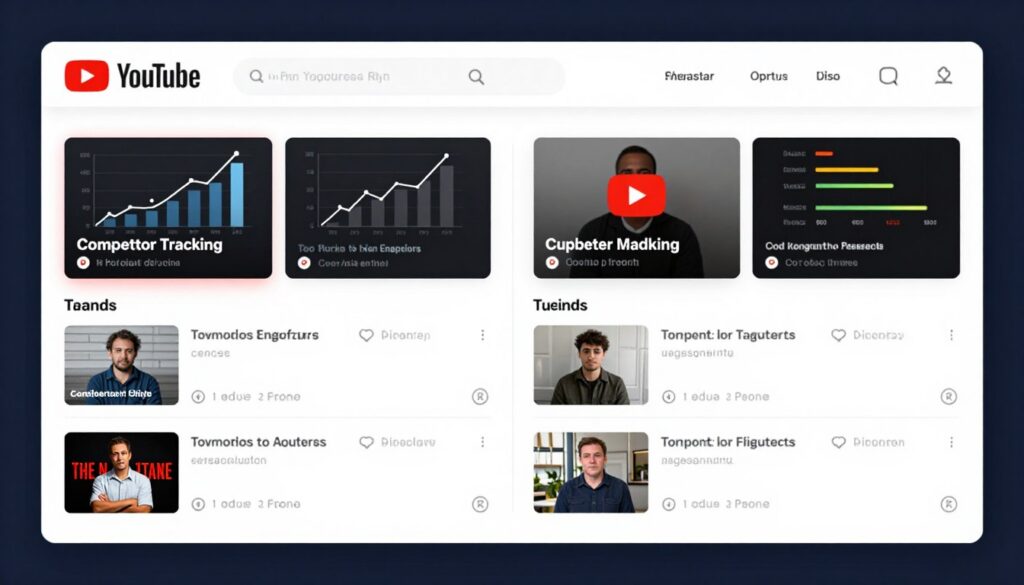
Success on YouTube often requires understanding what your competitors are doing right. vidIQ’s competitor tracking features let you monitor other channels in your niche and learn from their strategies.
You can track multiple competitor channels simultaneously, seeing their upload frequency, video topics, engagement rates, and subscriber growth. This data helps you identify gaps in the market and opportunities to differentiate your content.
The comparison tools let you benchmark your performance against similar channels. You’ll see how your views, engagement, and growth rates stack up, giving you realistic targets for improvement.
AI-Powered Content Ideas and Daily Ideas Feature
One of vidIQ’s most valuable features is its AI-driven content recommendation system. The daily ideas feature analyzes your channel, niche, and current trends to suggest video topics with high potential for success.
Each recommendation comes with data supporting why it’s a good opportunity—including search volume, competition level, and related trending topics. This takes the guesswork out of content planning and helps you create videos people actually want to watch.
The AI coach provides personalized guidance based on your channel’s specific situation. It answers questions about your content strategy, suggests improvements, and helps you troubleshoot performance issues.
- Personalized video topic recommendations every day
- Trend analysis identifying viral content opportunities
- AI-generated title and description suggestions
- Thumbnail optimization recommendations
- Content gap analysis showing underserved topics in your niche
Browser Extension and YouTube Studio Integration
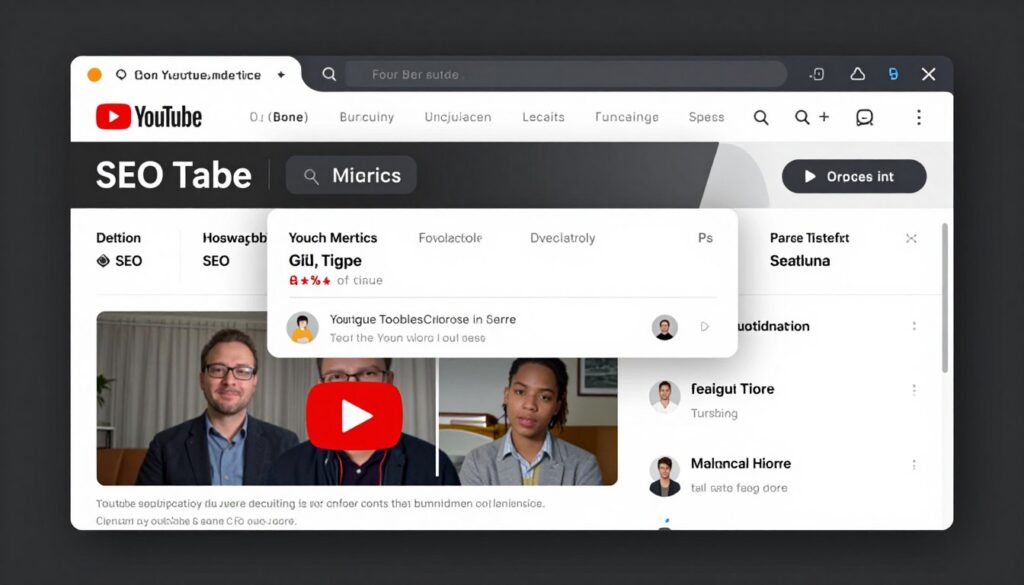
The vidIQ Vision extension transforms your YouTube experience by adding powerful analytics directly to the platform. When you browse YouTube, you’ll see additional data about every video—view counts, engagement rates, tags, and optimization scores.
This integration means you can analyze competitors, research keywords, and optimize your content without switching between multiple tools. Everything you need is right there in YouTube Studio where you already work.
The extension works seamlessly across Chrome and other major browsers, providing consistent access to your vidIQ tools wherever you manage your YouTube channel.
How to Use vidIQ to Optimize Your YouTube Content
Getting started with vidIQ is straightforward, but maximizing its potential requires understanding how to leverage its features effectively. Here’s a comprehensive guide to using vidIQ for YouTube optimization.
Setting Up Your vidIQ Account
Begin by visiting vidIQ and creating your free account. You’ll connect your YouTube channel through a secure OAuth process that gives vidIQ access to your analytics data. This connection is necessary for the platform to provide personalized recommendations.
Once connected, install the browser extension from the Chrome Web Store or your browser’s extension marketplace. The extension activates automatically when you visit YouTube, displaying additional metrics and insights.
Complete your profile setup by selecting your content category and channel goals. This information helps vidIQ tailor its recommendations to your specific niche and objectives.
Conducting Keyword Research for Video SEO
Effective keyword research starts before you create your video. Use vidIQ’s keyword research tools to identify high-opportunity search terms related to your topic.
Enter your base topic into the keyword tool and review the search volume data. Look for keywords with decent search volume but moderate competition—these represent your best opportunities to rank higher.
Create a list of primary and secondary keywords to target in your video title, description, and tags. Use related keywords suggestions to find long-tail variations that can drive additional traffic.
- Enter your video topic into the keyword research tool
- Review search volume and competition metrics
- Identify 3-5 primary keywords with good opportunity scores
- Find 10-15 related keywords for tags and description
- Analyze top-ranking videos for these keywords
- Create your content with these keywords in mind
Optimizing Video Titles and Descriptions
vidIQ’s optimization tools analyze your titles and descriptions to ensure they’re search-friendly and engaging. The platform provides real-time feedback as you write, suggesting improvements to increase your visibility.
Your video title should include your primary keyword near the beginning while remaining compelling and clickable. vidIQ scores your title based on length, keyword usage, and engagement potential.
Descriptions should be detailed and keyword-rich, especially in the first 150 characters which appear in search results. Include timestamps, related video links, and calls to action to improve engagement and watch time.
Using Thumbnail Analysis Tools
Thumbnails significantly impact your click-through rates, and vidIQ provides tools to optimize them. The thumbnail analyzer compares your designs against successful videos in your niche, identifying elements that drive clicks.
Test different thumbnail variations using the comparison tools. Look at color schemes, text overlay amounts, and image composition to understand what works best for your audience.
The platform’s recommendations help you create thumbnails that stand out in search results and suggested video feeds, increasing the likelihood that viewers will click on your content.
vidIQ Pricing Plans and Features Comparison
vidIQ offers three main pricing tiers designed to accommodate creators at different stages of their YouTube journey. Each plan builds on the previous one, adding more advanced features and higher usage limits.
Free Plan

Perfect for beginners starting their YouTube journey who want to explore basic optimization tools.
- Limited keyword research capabilities
- Basic video analytics and SEO scores
- Access to daily ideas feature (limited)
- Browser extension with core features
- Trial access to premium tools
Best for: New creators testing YouTube growth tools without financial commitment.
Boost Plan – $16.58/month
Most popular choice for serious creators ready to accelerate their channel growth with advanced tools.
- 2,000 AI credits monthly for content generation
- Unlimited keyword research tools
- Advanced competitor tracking features
- Thumbnail creation and optimization tools
- Personalized content ideas and recommendations
- Detailed subscriber insights and analytics
- AI Coach with advanced capabilities
- Access to creator masterclasses
Best for: Growing channels that need comprehensive data and AI-powered optimization.
Coaching Plan – $199/month

Premium tier combining all Boost features with personalized one-on-one expert coaching.
- Everything included in Boost plan
- Personalized coach matching process
- Weekly one-on-one coaching sessions
- Custom channel growth strategy
- Expert feedback on content and performance
- Video review and optimization guidance
- Direct access to YouTube growth specialists
Best for: Established creators or businesses serious about maximizing YouTube ROI with expert guidance.
All paid plans are billed annually with the option to cancel anytime. The Boost plan offers the best value for most creators, providing comprehensive tools at an affordable monthly rate when billed yearly.
Enterprise solutions are also available for brands, agencies, and teams managing multiple YouTube channels. These custom plans include dedicated strategists, advanced analytics, and unlimited AI credits.
Key Benefits of Using vidIQ for Your YouTube Channel

vidIQ delivers measurable advantages that translate directly into channel growth. Creators using the platform consistently report improvements in views, subscribers, and overall engagement.
Data-Driven Content Strategy
Instead of guessing what content to create, vidIQ provides concrete data about what your audience wants. The keyword research tools reveal actual search demand, helping you focus on topics with proven interest.
This data-driven approach reduces wasted effort on videos that won’t perform. You spend your time creating content with the highest potential for success, making your content creation process more efficient and effective.
Time Savings Through Automation
Manual research into keywords, competitors, and trends can consume hours. vidIQ automates this process, delivering insights in seconds that would take days to compile manually.
The daily ideas feature alone saves countless hours of brainstorming and market research. You get actionable video topic suggestions based on current trends and your channel’s specific opportunities.
- Automated keyword discovery and analysis
- Instant competitor insights without manual tracking
- AI-generated content ideas saving research time
- Real-time optimization feedback during upload
- Consolidated analytics replacing multiple tools
Improved Search Rankings and Discoverability
Proper YouTube SEO can dramatically increase your video visibility. vidIQ’s optimization recommendations help you rank higher in search results and appear more frequently in suggested video feeds.
The platform analyzes successful videos in your niche and identifies the optimization patterns they use. You can apply these same strategies to your content, leveraging proven tactics that drive discoverability.

Competitive Intelligence Advantage
Understanding your competition is crucial in a crowded platform like YouTube. vidIQ gives you visibility into what’s working for similar channels, helping you identify opportunities and avoid oversaturated topics.
The competitor tracking features show you upload patterns, trending topics, and engagement strategies from successful channels. This intelligence helps you make smarter content decisions and find your unique positioning.
Ready to Grow Your YouTube Channel?
Join over 20 million creators who trust vidIQ to optimize their content and accelerate their growth. Start with the free plan and upgrade as your channel grows.
Real Creator Success Stories with vidIQ

Thousands of creators have transformed their YouTube channels using vidIQ. These success stories demonstrate the platform’s real-world impact across different niches and channel sizes.
Small Channel Growth: From Zero to Monetization
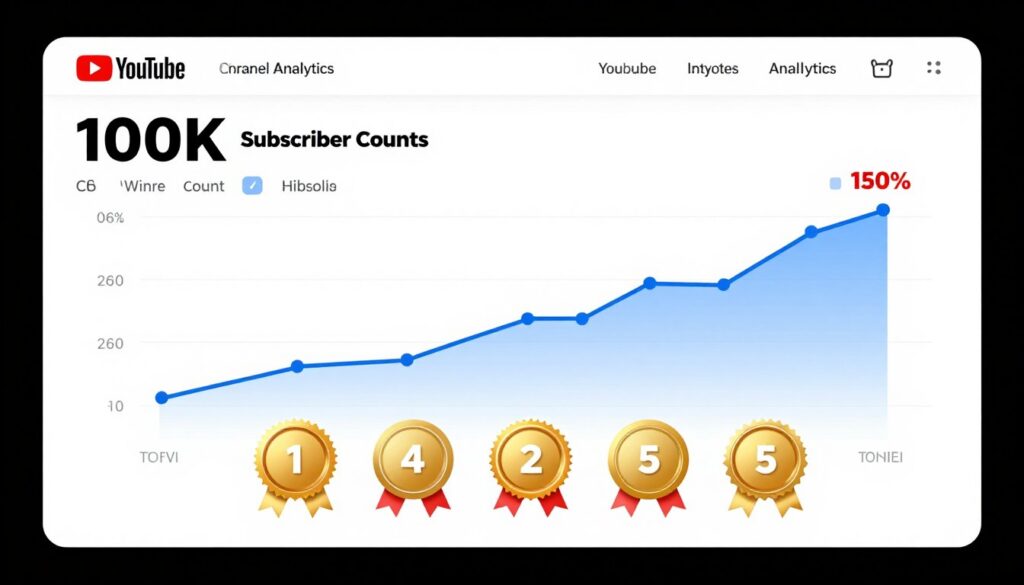
Car Guy Chronicles With Zac grew from just 7 subscribers to achieving monetization in under 90 days using vidIQ’s tools. The creator leveraged daily ideas and keyword research to identify underserved topics in the automotive niche.
By focusing on data-driven content decisions rather than random uploads, the channel rapidly built an engaged audience. This demonstrates how even brand-new creators can achieve significant results with the right optimization approach.
Scaling Established Channels
Kiwi Modulars used vidIQ coaching to grow from 13,000 to 60,000 subscribers. The personalized guidance helped identify content gaps and optimization opportunities that manual analysis would have missed.
Wilson Forest Lands achieved 179,000 subscribers by implementing vidIQ’s SEO recommendations and competitor insights. The channel’s systematic approach to optimization resulted in consistent growth and increased video performance.
Accelerated View Growth
Trucked Up EVs turned passion content into over half a million views by using vidIQ’s trending topic alerts and keyword tools. The creator identified emerging interest in electric vehicles early and positioned content to capture that growing search demand.
Kryptonite Korner went from zero to 3,600 subscribers and over 2 million views in just six months. The channel achieved monetization quickly by targeting high-opportunity keywords suggested by vidIQ’s research tools.
Key Success Factors
These success stories share common elements that contributed to rapid growth:
- Consistent use of keyword research before creating content
- Implementation of SEO recommendations for every video
- Regular analysis of competitor performance
- Focus on data-driven topics over random ideas
- Systematic optimization of titles, tags, and thumbnails
vidIQ vs. Other YouTube Analytics Tools
Several platforms offer YouTube analytics and optimization features, but vidIQ stands out through its comprehensive feature set and user-friendly interface. Here’s how it compares to alternatives.
vidIQ vs. TubeBuddy

TubeBuddy is vidIQ’s primary competitor, offering similar browser extension functionality and keyword tools. However, vidIQ provides more advanced AI-powered content recommendations and deeper competitor insights.
The daily ideas feature in vidIQ gives creators proactive content suggestions, while TubeBuddy focuses more on reactive optimization of existing content. For creators who struggle with content ideation, vidIQ offers more comprehensive planning support.
Pricing structures differ significantly. vidIQ’s free plan offers more robust features for beginners, making it easier to start without immediate investment. TubeBuddy’s free tier is more limited in keyword research capabilities.
vidIQ vs. YouTube Studio Analytics
YouTube Studio provides native analytics for your channel, but lacks the competitive intelligence and keyword research capabilities that vidIQ offers. Studio shows what happened; vidIQ helps you understand why and what to do next.
The integration between vidIQ and YouTube Studio creates a powerful combination. You get YouTube’s official data enhanced with vidIQ’s optimization recommendations, competitor insights, and predictive analytics.
Unique vidIQ Advantages
- AI-powered content coach providing personalized guidance
- More extensive keyword database with search volume data
- Real-time trend alerts for timely content opportunities
- One-on-one coaching option for premium subscribers
- Deeper competitor analysis and channel benchmarking
- Trusted by larger creator community (20M+ users)
Getting Started with vidIQ: Quick Start Guide
Starting with vidIQ takes just minutes, and the platform guides you through setup with helpful tutorials. Follow these steps to begin optimizing your YouTube channel.
Installation and Account Setup
Visit the vidIQ website and click “Sign Up for Free” to create your account. You’ll authenticate with your Google account to connect your YouTube channel securely.
After account creation, install the browser extension from the appropriate marketplace. The extension activates immediately, adding vidIQ data displays to your YouTube interface.
Complete your profile by answering questions about your content niche, channel goals, and current subscriber count. This information helps vidIQ customize its recommendations to your specific situation.
- Create your free vidIQ account at vidiq.com
- Connect your YouTube channel through secure OAuth
- Install the browser extension for Chrome or Firefox
- Complete your creator profile and preferences
- Take the guided tour of core features
- Review your first batch of personalized daily ideas
First Steps After Installation
Once installed, navigate to YouTube and open any video. You’ll now see additional vidIQ metrics displayed alongside standard YouTube data. These insights show SEO scores, tags used, and engagement metrics.
Visit your own channel and run the channel audit feature. This comprehensive analysis identifies optimization opportunities across your existing content, providing a prioritized list of improvements.
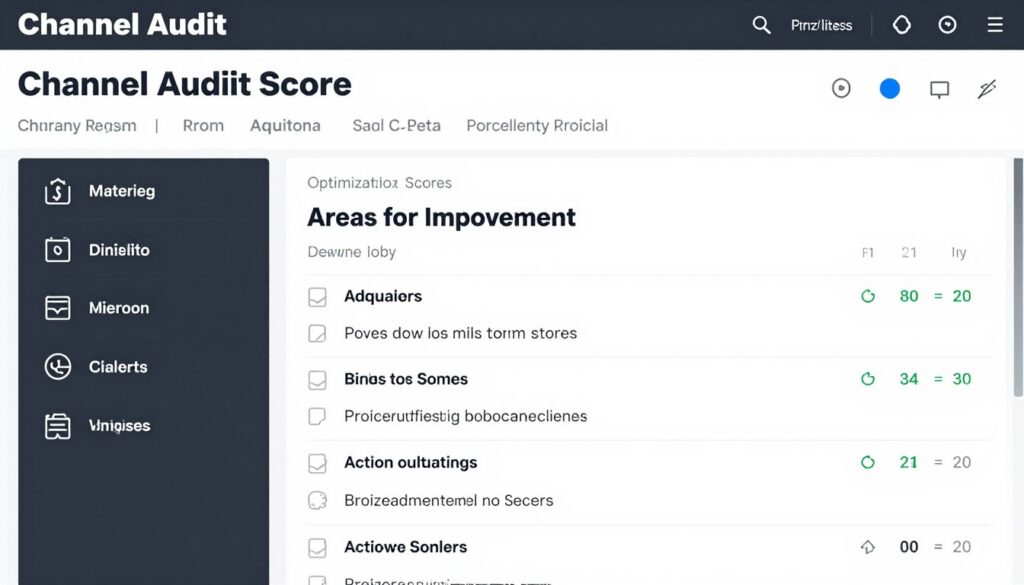
Explore the daily ideas section to see personalized video topic recommendations. Each suggestion includes supporting data about why it’s a good opportunity for your channel.
Creating Your First Optimized Video
Start your next video by researching keywords in vidIQ. Enter your topic idea and review the search volume, competition, and related keywords data.
Use the title generator to create compelling, SEO-friendly titles that incorporate your target keywords. The tool scores your title in real-time, suggesting improvements.
Before publishing, run your video through the optimization checklist. vidIQ evaluates your title, description, tags, and thumbnail, providing specific recommendations to improve your ranking potential.
Start Optimizing Your YouTube Channel Now
Don’t leave your YouTube success to chance. Get the data, tools, and insights you need to grow faster. Join millions of creators already using vidIQ.
Advanced vidIQ Features for Power Users
Beyond basic optimization, vidIQ offers advanced capabilities for creators ready to take their YouTube strategy to the next level. These features provide deeper insights and more sophisticated optimization opportunities.
Bulk Processing and Batch Optimization
For channels with extensive content libraries, vidIQ’s bulk tools allow simultaneous optimization of multiple videos. Update tags, descriptions, and metadata across your entire catalog efficiently.
The batch analysis feature identifies patterns in your most successful content, helping you understand what elements consistently drive performance. Apply these insights across all your videos systematically.
Advanced Competitor Intelligence
Power users can track up to 10 competitor channels simultaneously, creating comprehensive competitive landscapes. The platform monitors their upload schedules, topics, and performance metrics automatically.
Alert notifications inform you when competitors publish new content or experience significant performance changes. This real-time intelligence helps you respond quickly to market shifts and emerging trends.
Custom Reports and Data Export
Create custom reports combining multiple metrics and data sources. Export this data for deeper analysis in spreadsheets or presentation to stakeholders.
For agencies and teams, these reporting features provide client-ready performance summaries demonstrating growth and optimization impact.
- Custom dashboard creation with preferred metrics
- Scheduled report delivery via email
- CSV export for external data analysis
- Historical trend comparisons across time periods
- Multi-channel management from single dashboard
Frequently Asked Questions About vidIQ

Is vidIQ safe to use with my YouTube channel?
Yes, vidIQ is completely safe and YouTube-certified. The platform uses official YouTube APIs and follows all platform guidelines. Over 20 million creators trust vidIQ without any account security issues. The extension only accesses analytics data you already have access to through YouTube Studio.
Can I use vidIQ for free permanently?
Yes, vidIQ offers a genuinely free plan forever with no time limits. The free tier includes basic keyword research, limited daily ideas, and core browser extension features. You can use these tools indefinitely without upgrading, though paid plans unlock more advanced capabilities and higher usage limits.
How does vidIQ help small channels grow?
vidIQ levels the playing field by providing small channels access to the same data and insights used by large creators. The keyword research tools help you find underserved topics with less competition. Daily ideas identify opportunities specifically suited to your channel size and niche, helping you grow strategically rather than randomly.
What’s the difference between Boost and Coaching plans?
The Boost plan provides all software tools, AI credits, and features for self-directed optimization. The Coaching plan includes everything in Boost plus personalized one-on-one sessions with YouTube growth experts who provide custom strategies, video feedback, and accountability. Choose Boost if you’re self-motivated; choose Coaching if you want expert guidance.
Does vidIQ work for all YouTube niches?
Yes, vidIQ’s tools work across all content categories—gaming, education, entertainment, business, lifestyle, and more. The keyword research and analytics features adapt to any niche. The AI recommendations learn from your specific category and audience, providing relevant suggestions regardless of your content type.
How long does it take to see results with vidIQ?
Results vary by channel size and consistency, but many creators report improvements within the first month. Proper keyword optimization can boost rankings within days. Consistent application of vidIQ’s recommendations typically shows measurable growth in views and subscribers within 30-90 days. The key is regular use and implementation of data-driven insights.
Final Thoughts: Is vidIQ Worth It for Your YouTube Channel?

vidIQ has established itself as an essential tool for serious YouTube creators who want to grow their channels strategically. The combination of keyword research tools, analytics, competitor insights, and AI-powered recommendations provides everything needed for data-driven content decisions.
The platform’s greatest strength is making professional-grade YouTube optimization accessible to creators at any level. Whether you’re launching your first channel or scaling to millions of subscribers, vidIQ offers tools matched to your current needs.
For beginners, the free plan provides enough functionality to start optimizing content immediately. As your channel grows, the paid tiers offer advanced features that justify their cost through improved performance and time savings.
The proof lies in the results. With over 20 million creators using vidIQ and countless success stories of channels achieving rapid growth, the platform has demonstrated its value across diverse content categories and channel sizes.
If you’re serious about YouTube success, investing time in learning and using vidIQ will accelerate your growth. The insights you gain from proper keyword research, competitor analysis, and performance tracking are invaluable for building a sustainable, growing channel.
Transform Your YouTube Channel Today
Stop guessing and start growing with data-driven insights. Join the 20 million creators who trust vidIQ to optimize their content and maximize their reach. Start free and scale as you grow.
Pingback: hello world
Pingback: ketoconazole shampoo resource page
Pingback: terbinafine mechanism resource page
Pingback: ivermectin cellular mechanism
Pingback: minoxidil pk evidence
Pingback: minoxidil female treatment overview
Pingback: vardenafil 5 mg strength info
Pingback: vardenafil food interaction risks
Pingback: vardenafil warnings
Pingback: orlistat mechanism insights
Pingback: bronchitis risk factors
Pingback: otitis media symptoms
Pingback: Duration Variability Center
Pingback: Timing Pharmacology Hub
Pingback: Sildenafil vs Avanafil Peak Insights
Pingback: sildenafil pharmacokinetics